Retail settings
This page describes the basic settings that affect how the cash register and POS work.
Where to find it
Settings are usually located in “Retail” → “Configuration” → “Settings”.
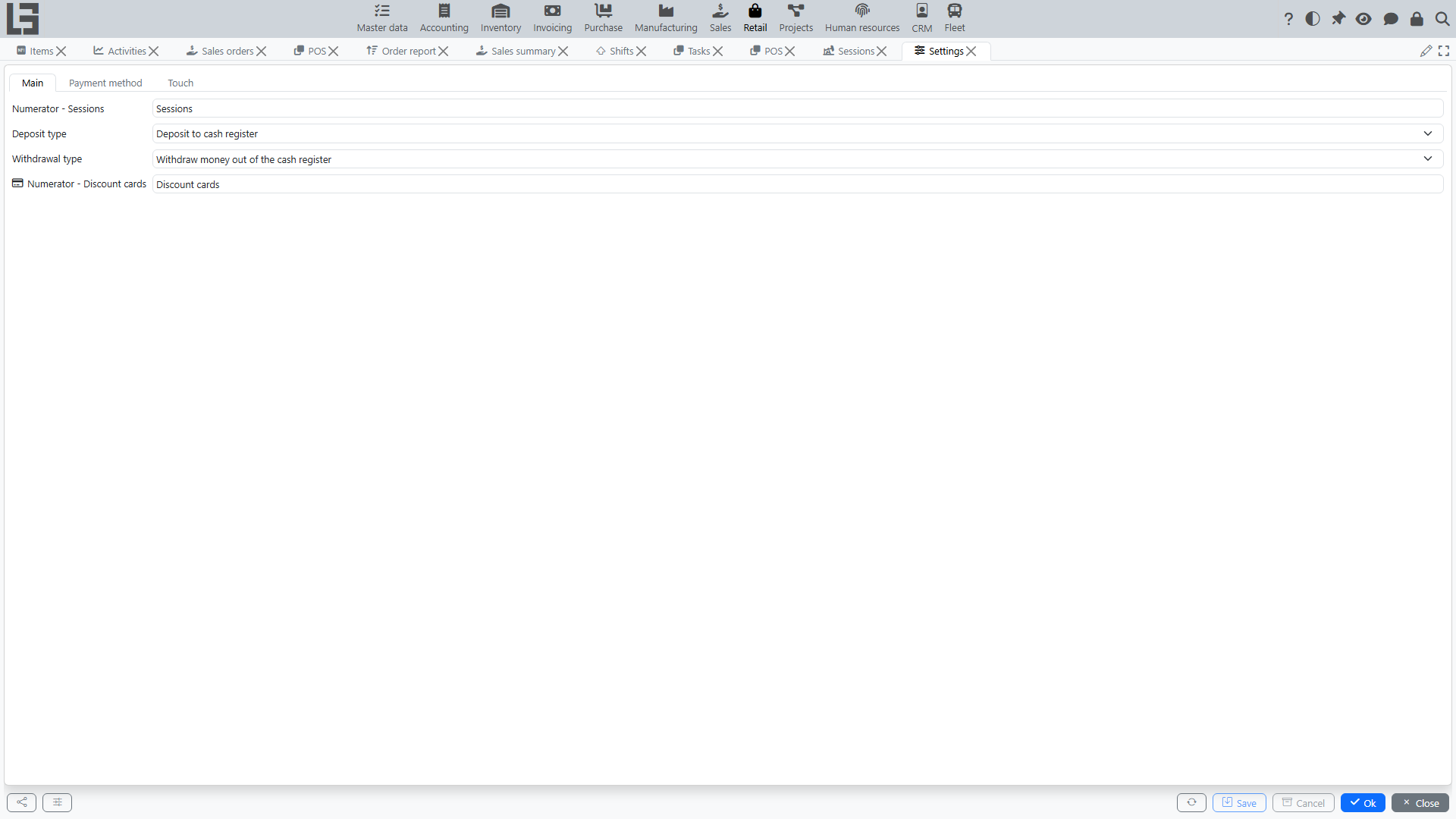
In most configurations the Cash registers and Discount cards directories are available directly in this section; payment methods are not a separate directory — they are maintained on the Settings form itself (see below).
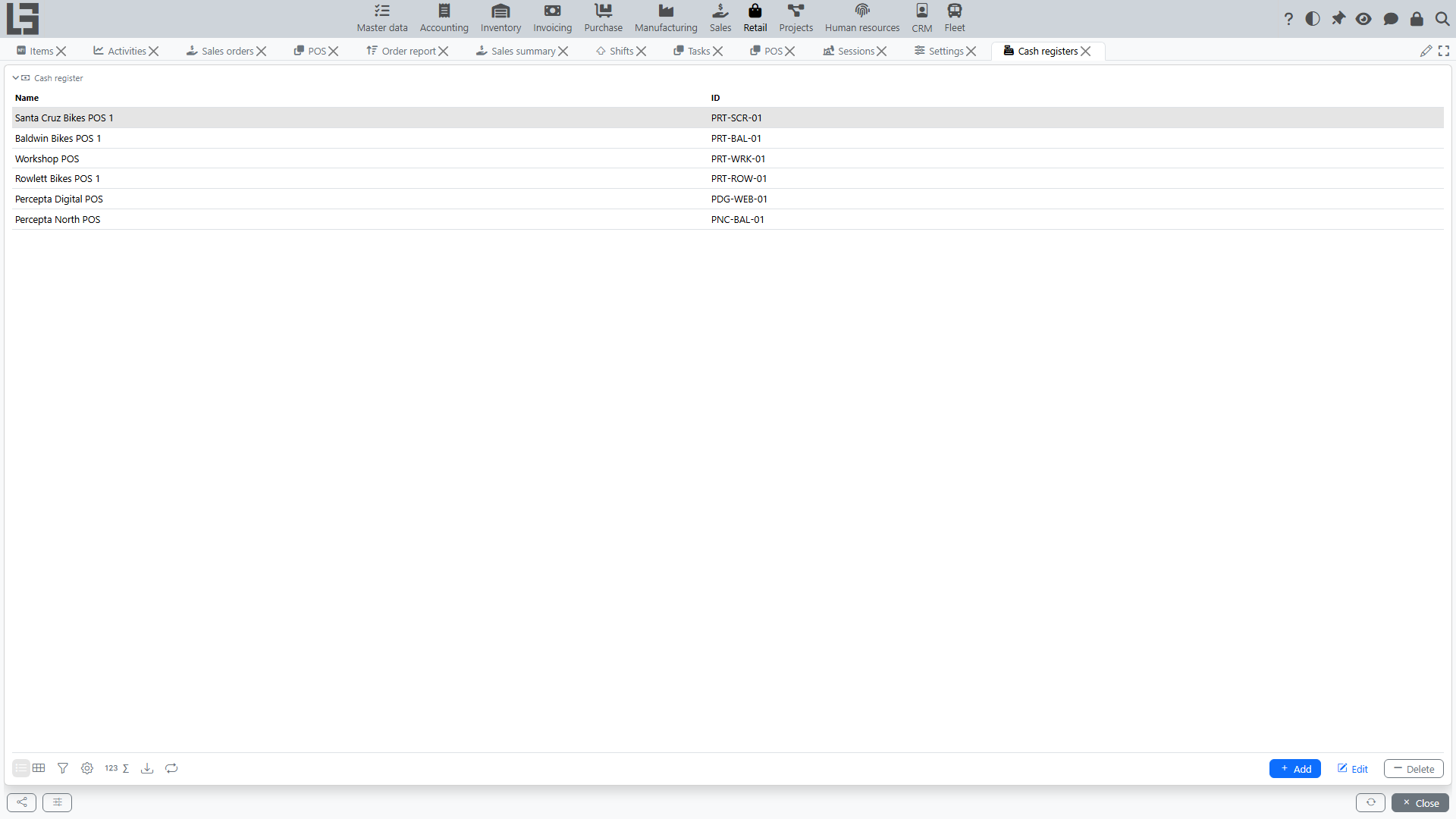
Cash registers
A cash register is a workplace from which sales and returns are processed.
Where to find: usually “Retail” → “Configuration” → “Cash registers”.
Typically configured:
- cash register name and ID;
- company;
- the invoice type used for receipts created at this register (required) — it also determines the corresponding return type;
- the location (optional) — it defaults onto sales and returns made at this register and drives stock availability and the “Same location” receipt filter; a location marked for internal use cannot be selected;
- linking the cash register to one or more computers — once a computer has at least one linked register, only its linked registers are offered on that computer; a computer with no links sees all registers. In all cases the selector also hides registers whose location the current user cannot access (registers without a location stay visible);
- accounts per payment method — on a separate cash-register tab you can, for each payment method, specify the account that payments received with that method are posted to, and mark a method as disabled so it is not offered in the sale and return payment dialogs at this register.
Cash account. For the “Deposit cash” and “Withdraw” operations to work on the POS screen (and for the “Cash at the checkout” balance to show on the Session tab), the cash register must have an account specified for the “Cash” payment method. Until the cash account is set, the cash deposit and withdrawal buttons on the POS screen stay disabled. In addition, the “Deposit type” and “Withdrawal type” must be configured on the “Main” tab of the Settings form for the deposit/withdrawal operations themselves.
Central checkout account vs. the till. The “Cash account” field in the cash-register header is the central checkout account — the counterparty for the “Deposit cash” and “Withdraw” operations: a deposit moves money from this central account into the till (the account assigned to the “Cash” payment method), and a withdrawal moves it back. For this reason the header “Cash account” must be a different account from the one assigned to the “Cash” payment method. If they are the same, a deposit/withdrawal posts both legs to one account, nets to zero, and the “Cash at the checkout” balance never changes. The system enforces this and will not save a cash register that uses the same account in both places. In addition, the central checkout account and each payment-method account must belong to the cash register’s company, otherwise the register cannot be saved.
Sessions
Sessions are numbered automatically. The session numerator is selected on the “Main” tab of the Settings form.
Payment methods
The list of payment methods is maintained on the “Payment method” tab of the Settings form (see also: Retail payments). For each method you specify:
- name and ID;
- the “Cash” flag — marks the method as cash (only one method can be cash; it is used to calculate change);
- the “Incoming payment type” and the “Return payment type” — the payment types used when the method is received in a sale and refunded in a return.
Discount cards
Discount cards are numbered automatically; the discount-card numerator is selected on the “Main” tab of the Settings form. The card list itself is in “Retail” → “Configuration” → “Discount cards”.